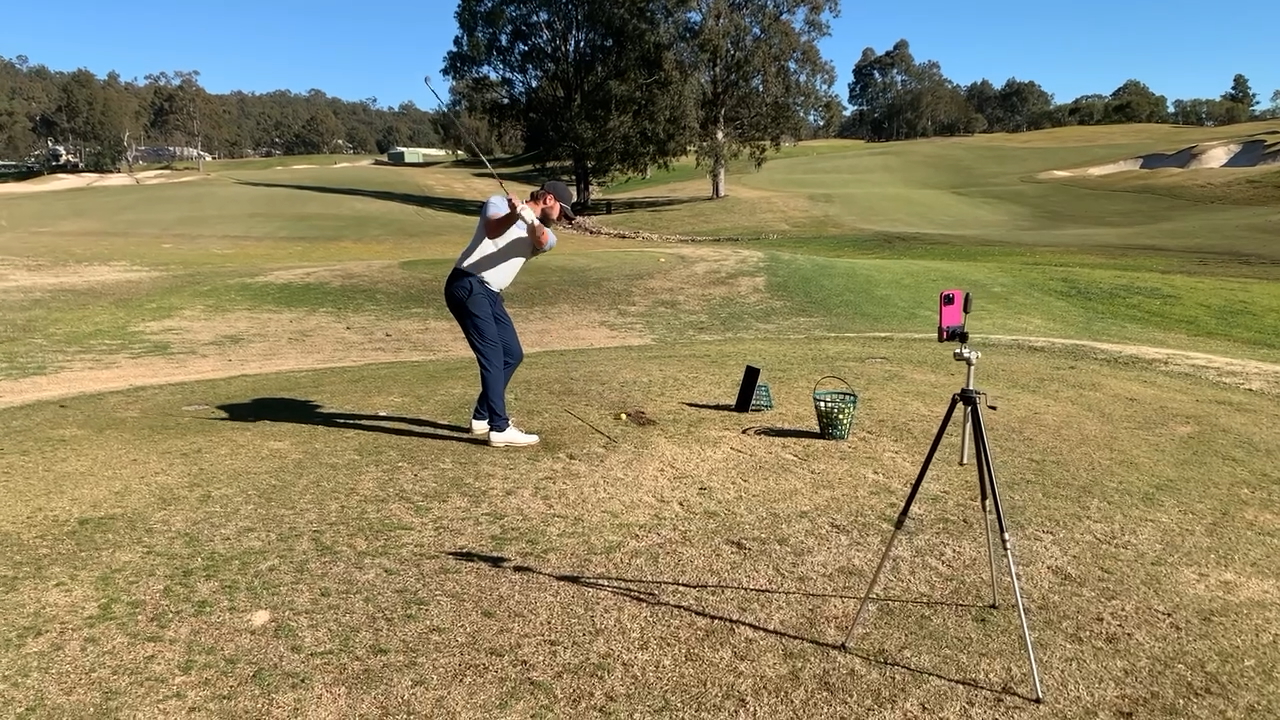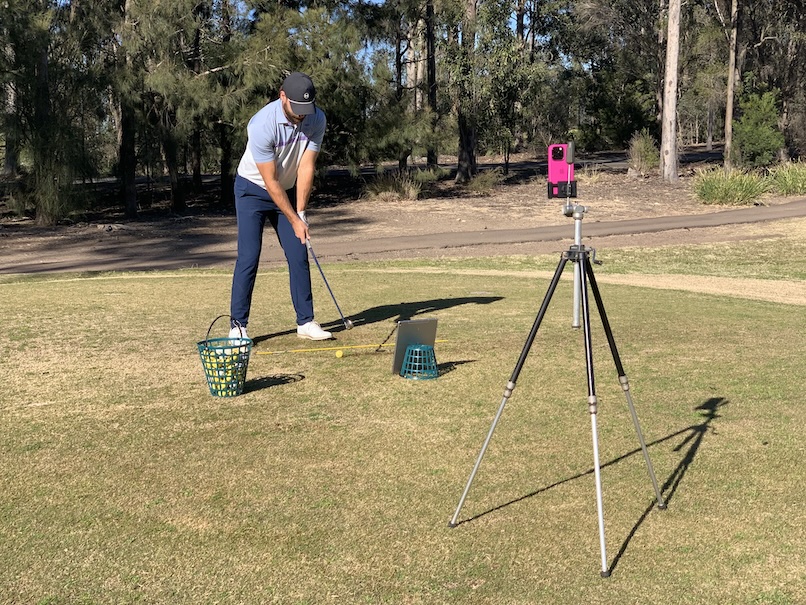
The ultimate iOS app for golfers. Compare your swing to the pros, improve your swing, and dominate the course.
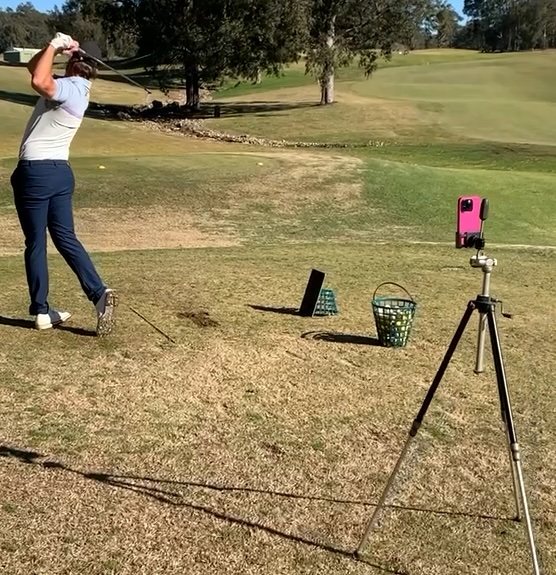
Use 2 devices to see your swing from any angle. One device (iPhone) as the camera the other (iPad) as the display.
With the delay feature you can make a swing and then watch without doing a thing.
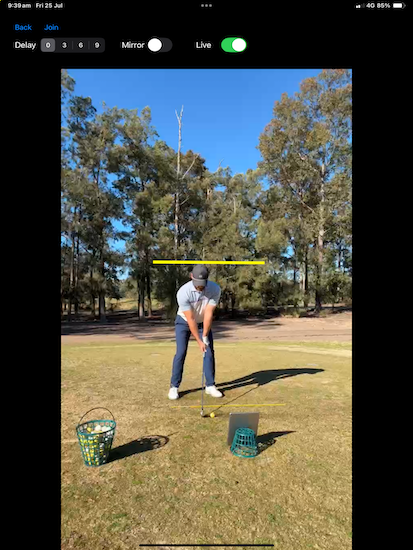
Draw lines to help you position your arms, head or hips.
Use the built-in web page to load pictures and videos of pro golfers to compare your own swing.
Use the mirror feature to make the display act like an actual mirror.
Analyse your swing frame by frame to check your head hands and hips are in the correct position during a shot.
Check your hands in real time.
Draw alignment line to monitor your position.
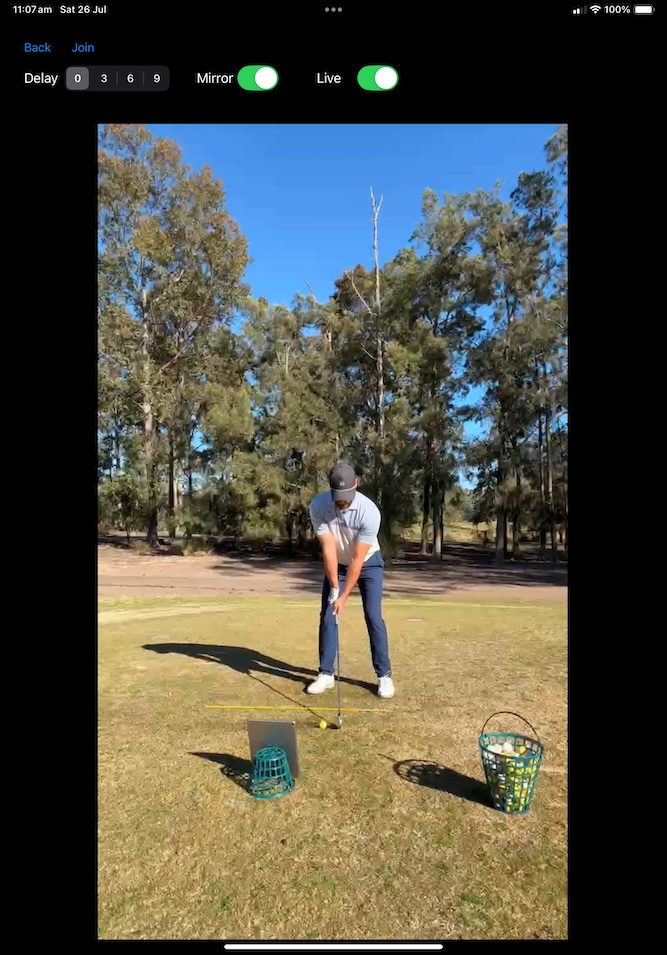
Use the mirror feature to make the display appear as looking into a mirror.
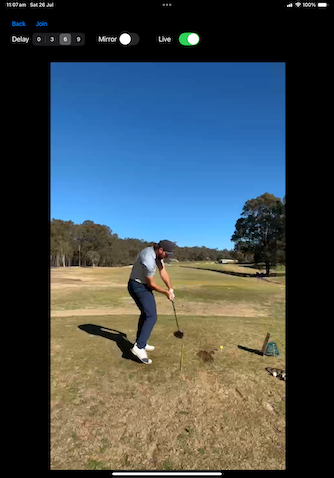
Delay the video feed so you can repeatedly make a shot and then watch your swing on the display.
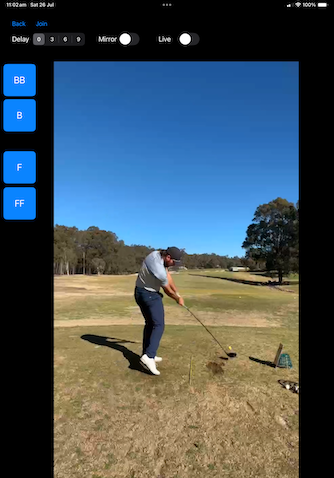
Replay your swing frame by frame to check correct positions.
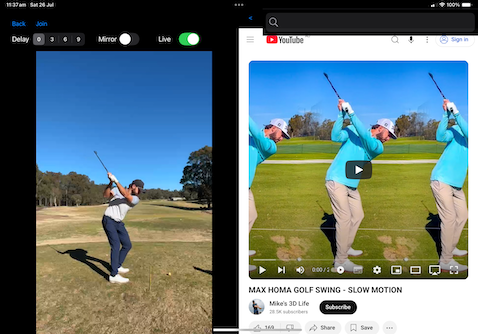
Turn the display to landscape to reveal a web browser. Bring up video or photos of your favorite pro to compare your swing
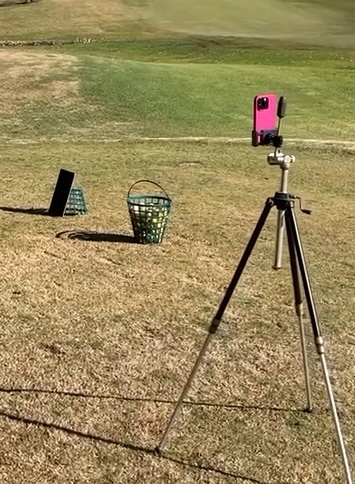
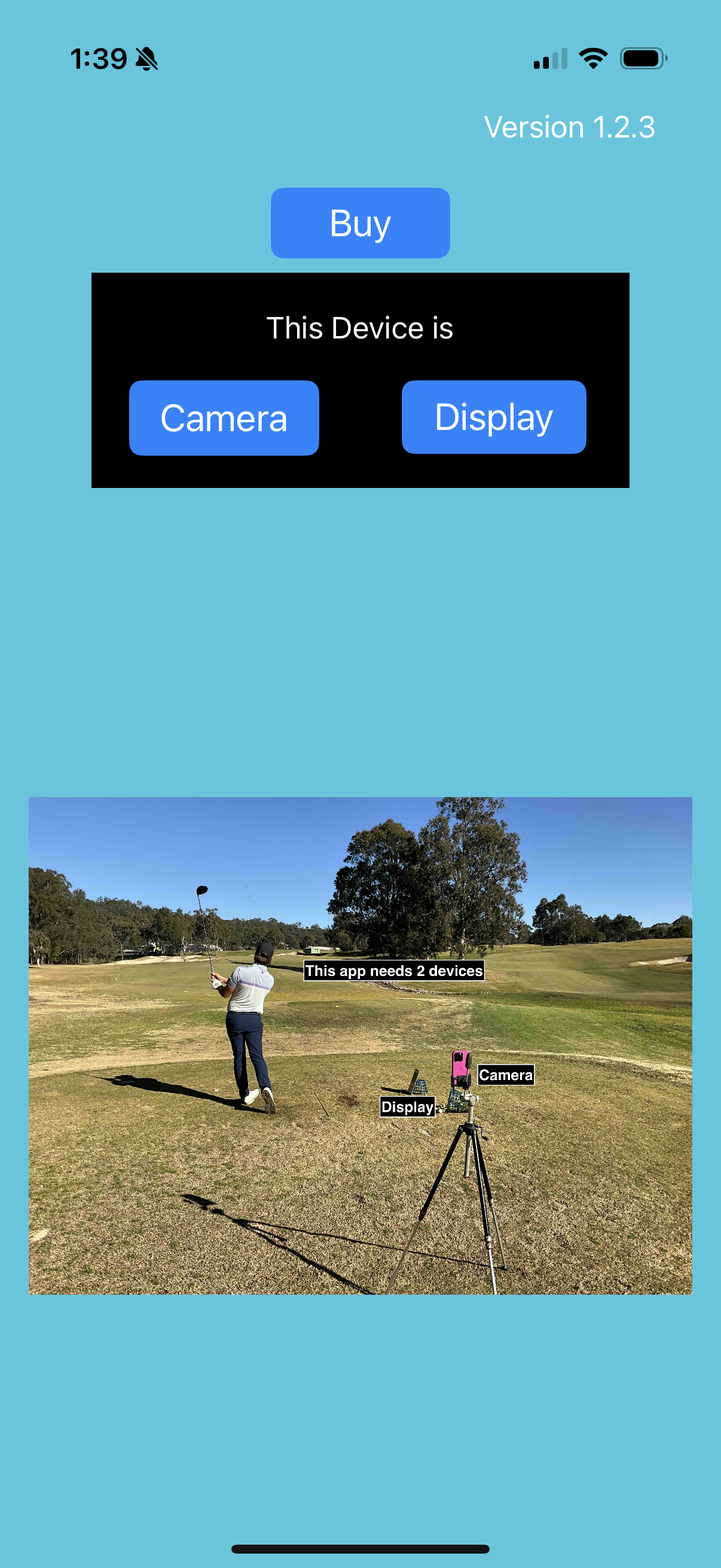
You need 2 devices. The best combination is an iPhone to be the camera and an iPad to be the display. This app will also run on an Apple silicon Mac.
Put the iPhone in a phone holder with its display pointing at where you want to hit from and start the SwingLens app.
On the iPhone select "Camera" and after allowing access to the camera and network the camera feed will be displayed.
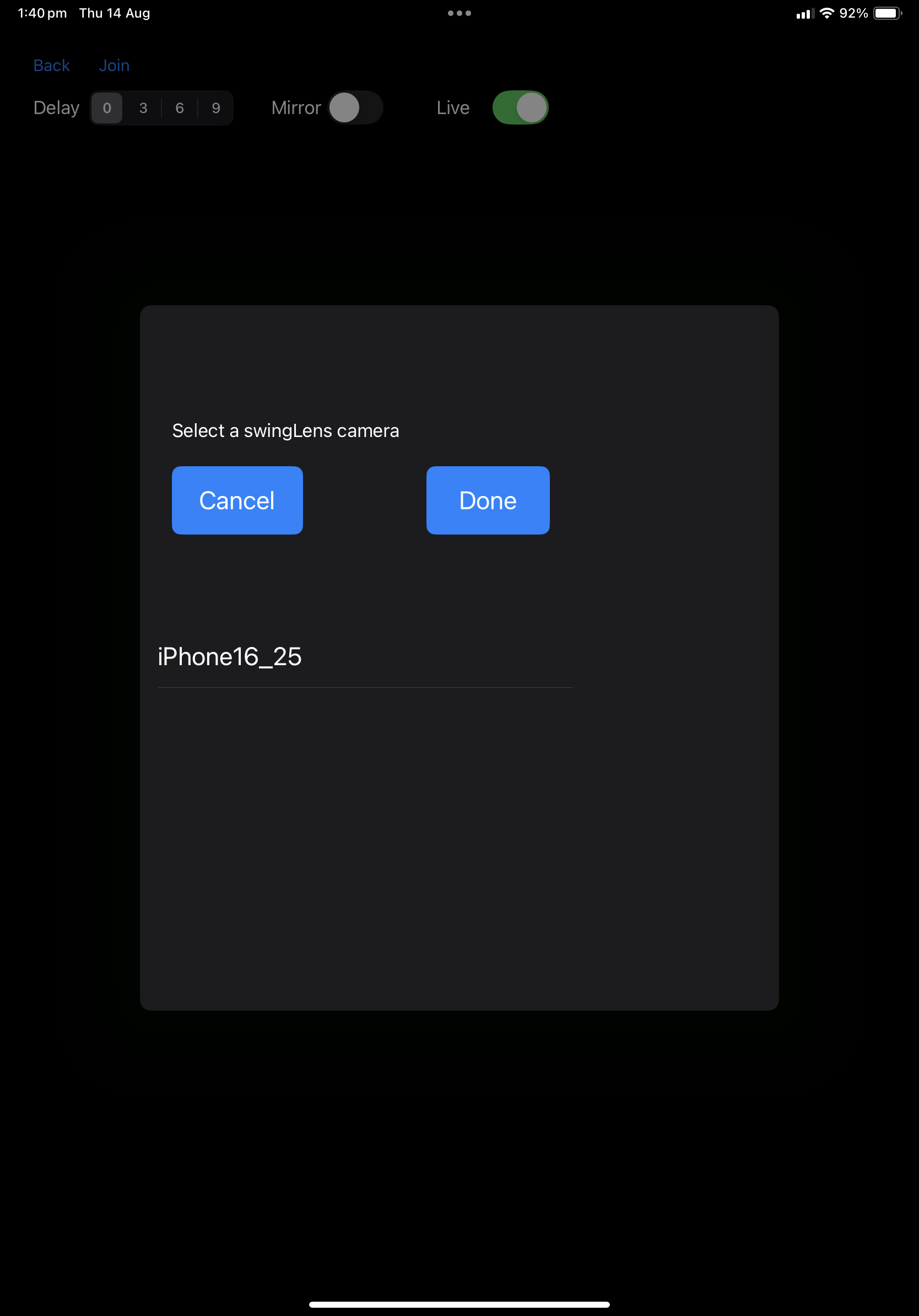
Now start the app on the iPad and select "Display". After you allow network access a box will appear showing all devices nearby running Swinglens. Select your device and the video feed from the camera device will appear on the iPad.
Place the iPad in a conveinent location next to where you are hitting balls and start improving your game.