SecurityPixel

SecurityPixel - Dead simple video display and recording for MacOS

How it works

Connect to any IP camera that supports RTSP and either H.264 or H.265 compression. Display the video feed, detect motion, record. All the simple stuff you need.

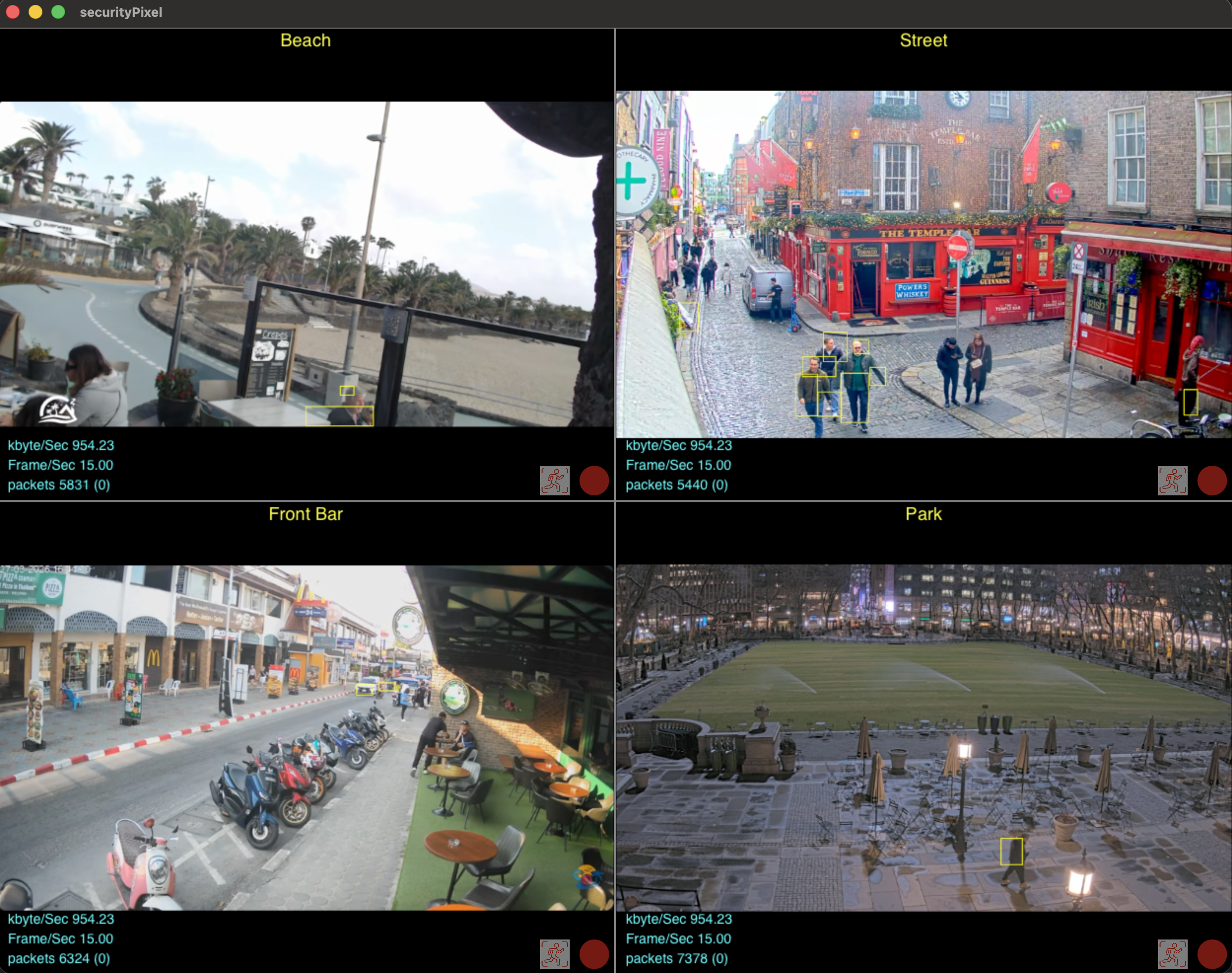
Multiple cameras

Free of charge you can display and record 2 cameras. With a low cost subscription you can record as many cameras as you need.

Just Display

Connect to an IP camera and just display it. No need to record anything. Zoom in on live video

Record on Demand

Click the record button to record on demand.

Motion Detection

Record when motion is detected.

Record Always

Record always lets you record video from the IP camera regardless

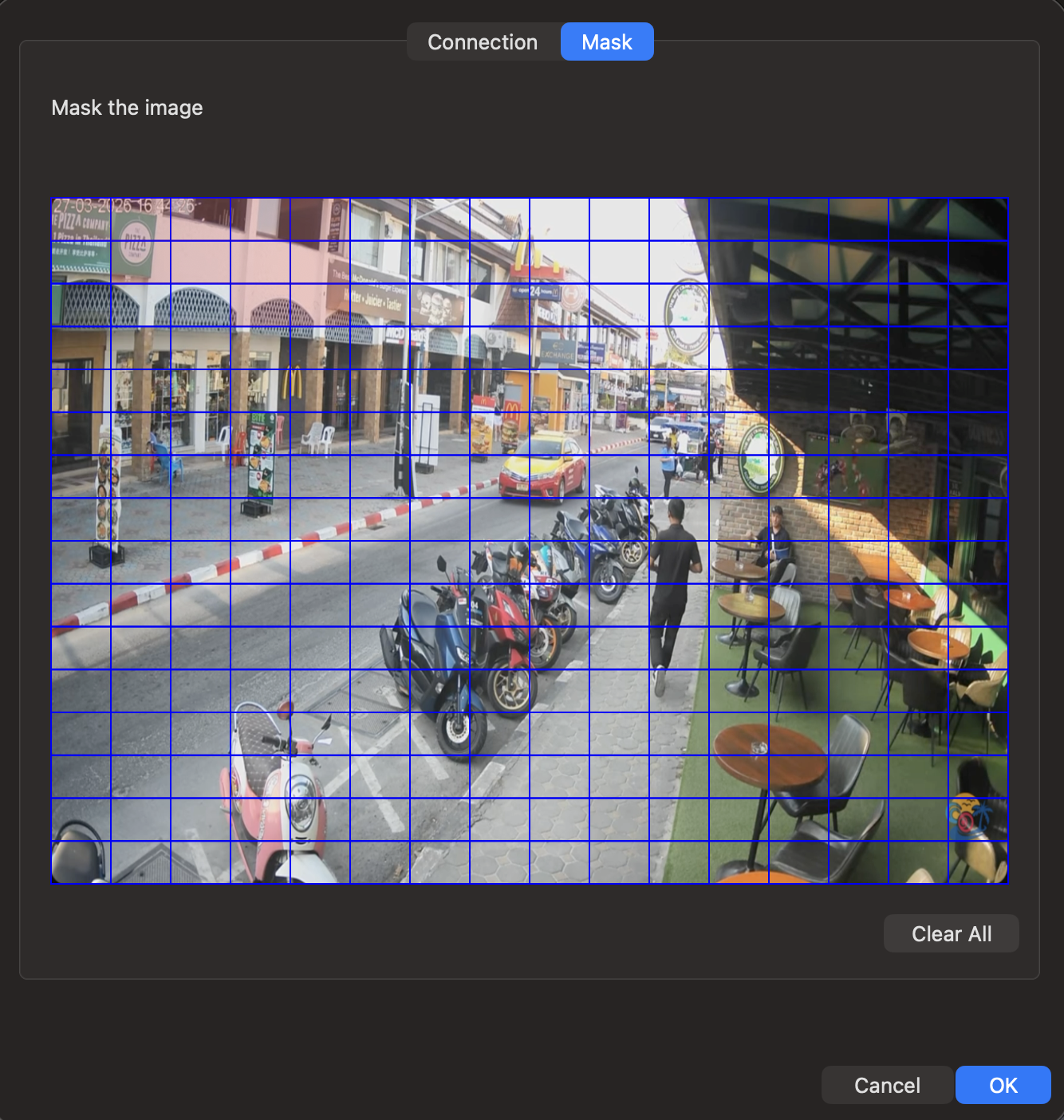
Motion Detection Mask

Mask an area to be ignored by the motion detection feature

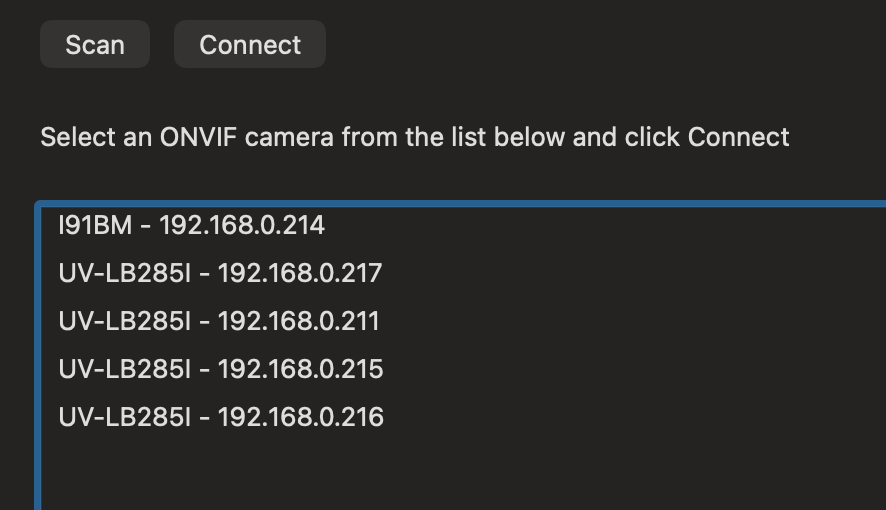
ONVIF

Discover IP cameras that support ONVIF for easy setup

Video Storage

Recorded videos are stored anywhere on your file system in standard video file format for easy sharing or archiving.

App Preview

RTSP ONVIF H264 H265 HEVC

Auto configure display. All cameras are displayed in an easy to view matrix.
RTSP ONVIF H264 H265 HEVC

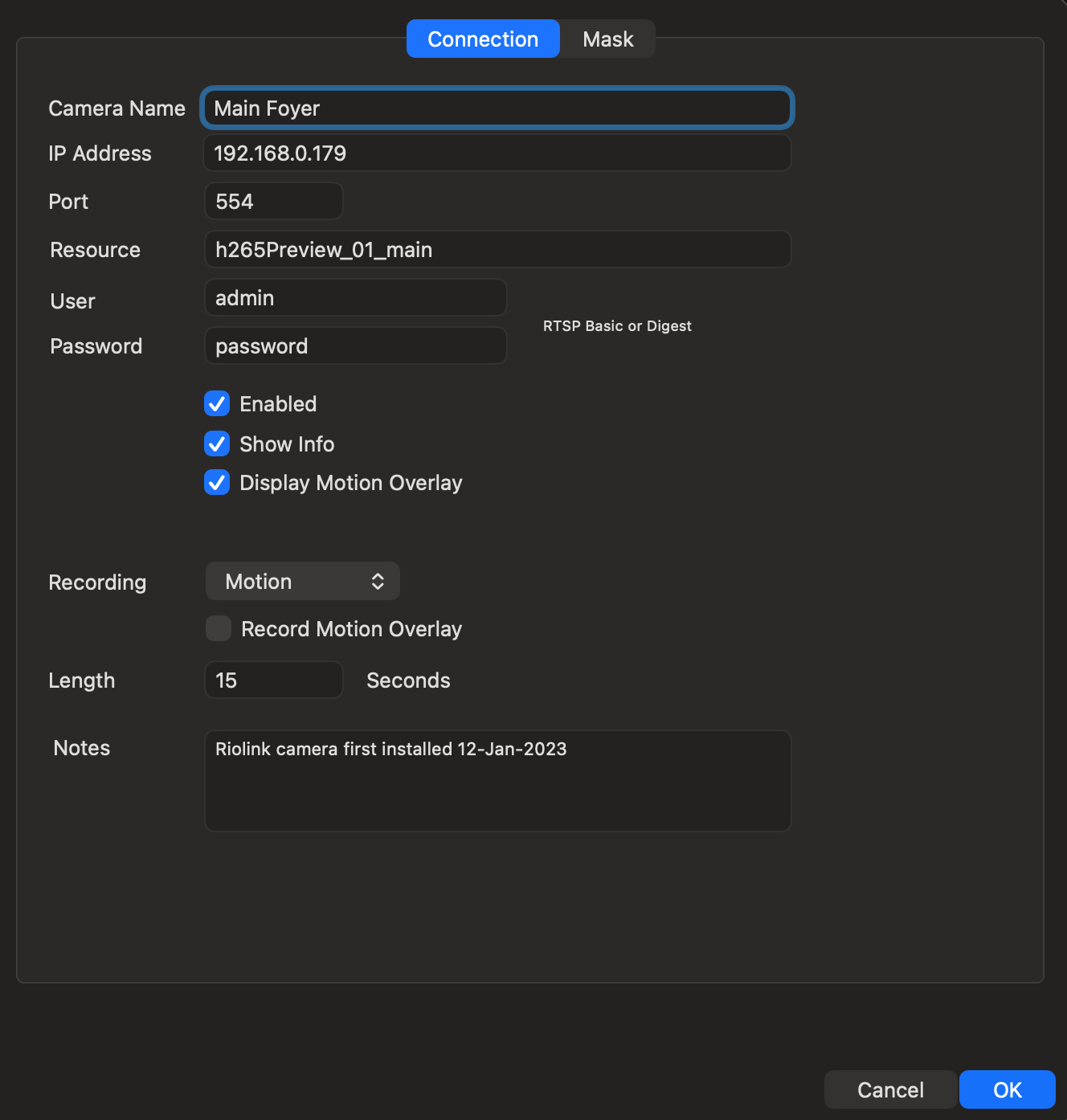
Easy setup with RTSP

RTSP ONVIF H264 H265 HEVC

Discover local cameras that support ONVIF.
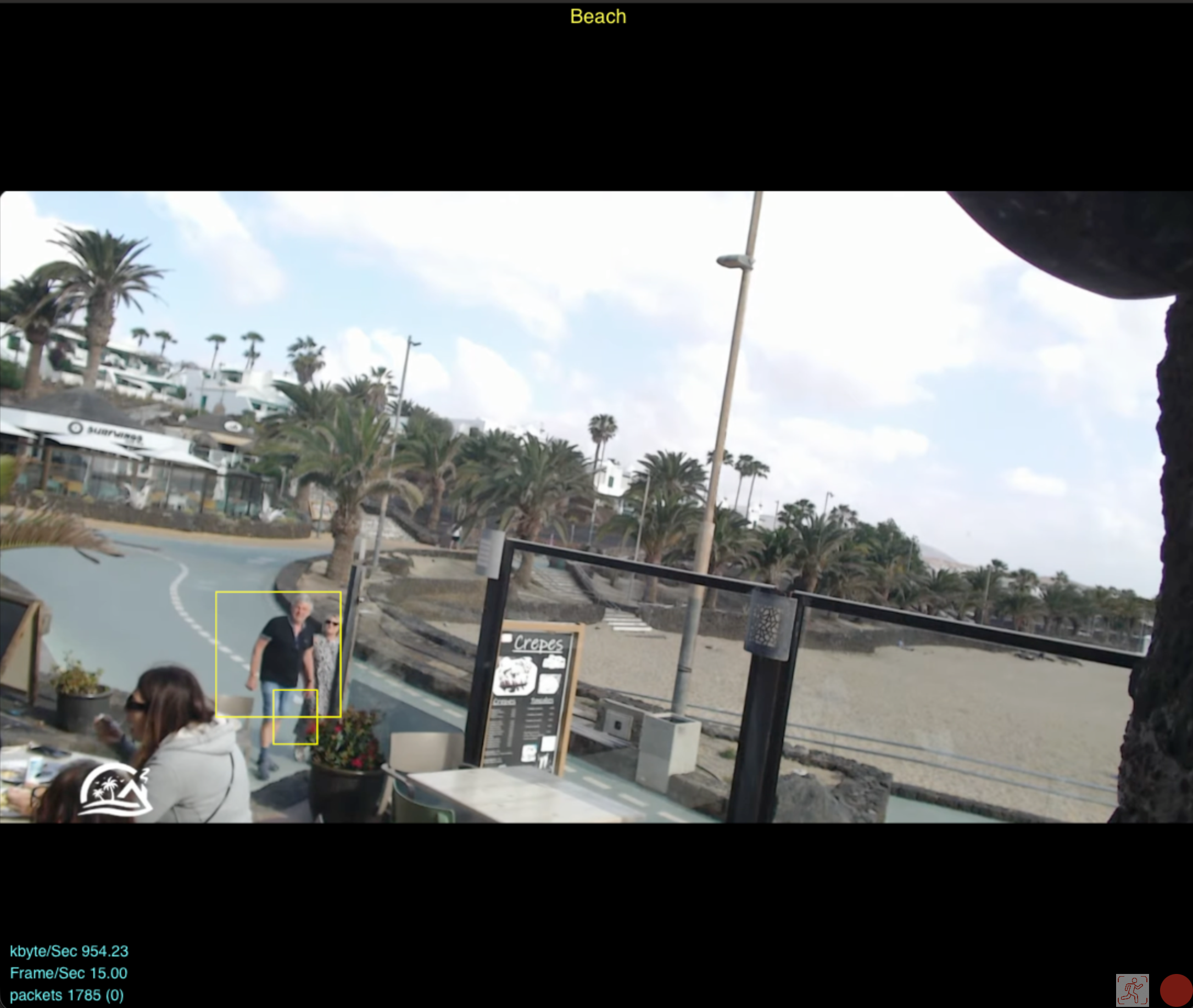
RTSP ONVIF H264 H265 HEVC

Click on a camera to enlarge just that camera. Zoom in on parts of the video.
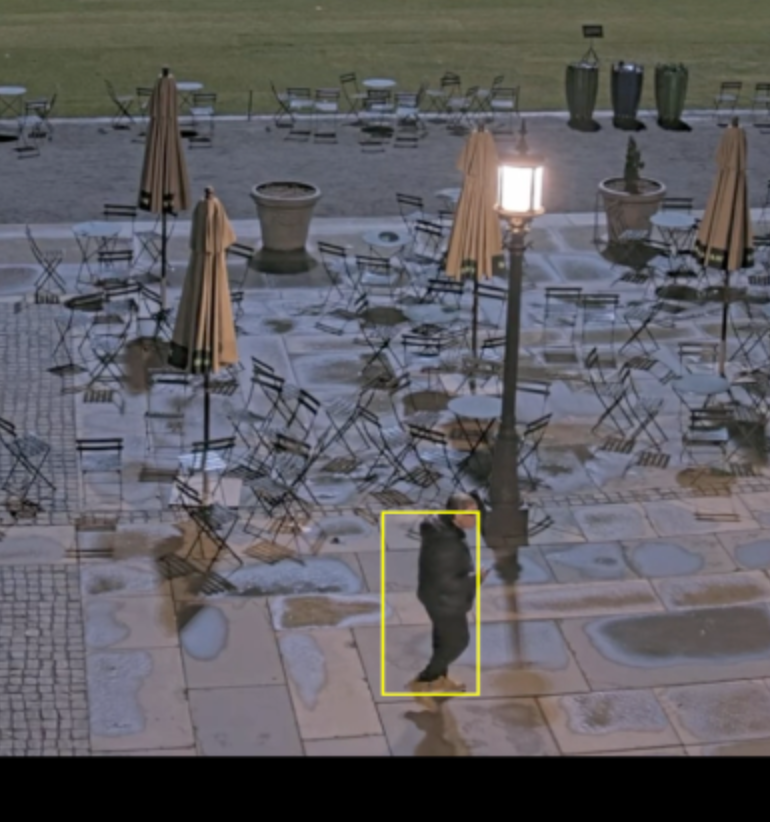
Motion Detection RTSP ONVIF H264 H265 HEVC

Record when motion occurs.

Motion Detection RTSP ONVIF H264 H265 HEVC

Mask off areas to be ignored by the motion detection
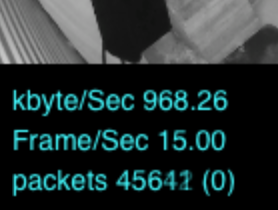
packets RTSP ONVIF H264 H265 HEVC

View communication stats from the camera

Apple Silicon RTSP ONVIF H264 H265 HEVC

Written specifically to support Apple Silicon devices. Fast, efficient software design. No bloated libraries. Hardware video decoding

Getting Started

RTSP ONVIF H264 H265 HEVC MacOS Apple Silicon